Insert Link Editor

Add and remove hyperlinks in cells
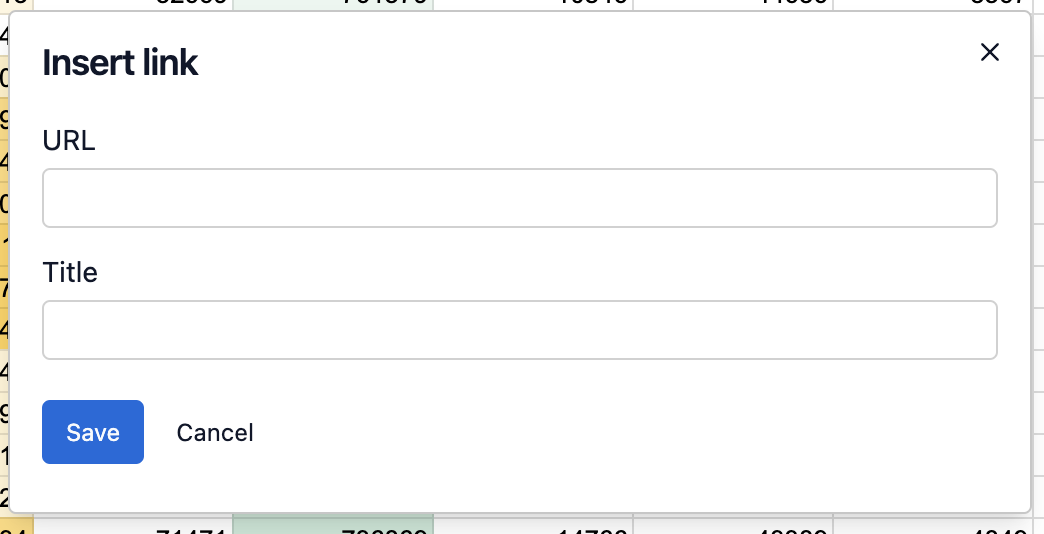
Insert Link editor
import { CanvasGrid, SpreadsheetProvider } from "@rowsncolumns/spreadsheet"
import { useSpreadsheet, InsertLinkDialog, InsertLinkEditor } from "@rowsncolumns/spreadsheet-state"

const Spreadsheet = () => {
  const {
    activeSheetId,
    activeCell,
    selections,
    onInsertLink,
    onRequestInsertLink
  } = useSpreadsheetState({})

  return (
    <>
      <button onClick={() => onRequestInsertLink()}>Insert link</button>
      <InsertLinkDialog>
        <InsertLinkEditor
          sheetId={activeSheetId}
          activeCell={activeCell}
          selections={selections}
          onInsertLink={onInsertLink}
        />
      </InsertLinkDialog>
    </>
  )
}

const App = () => (
  <SpreadsheetProvider>
    <Spreadsheet />
  </SpreadsheetProvider>
)

Use the onRemoveLink callback to remove hyperlinks from cells:

Complete Example with Context Menu

Function Signatures

Use Cases

Remove links from multiple cells:

Best Practices

  1. Validate URLs: Ensure URLs are properly formatted before insertion

  2. Provide Feedback: Show visual indicators for cells with links

  3. Handle Errors: Gracefully handle invalid or broken links

  4. Keyboard Shortcuts: Support Ctrl/Cmd+K for inserting links

  5. Context Menu: Add link operations to the cell context menu

Last updated

Was this helpful?